


The Ultimate Guide to Live Streaming for Businesses and Organizations
Last Updated: 1 year ago by Astral Studios Staff
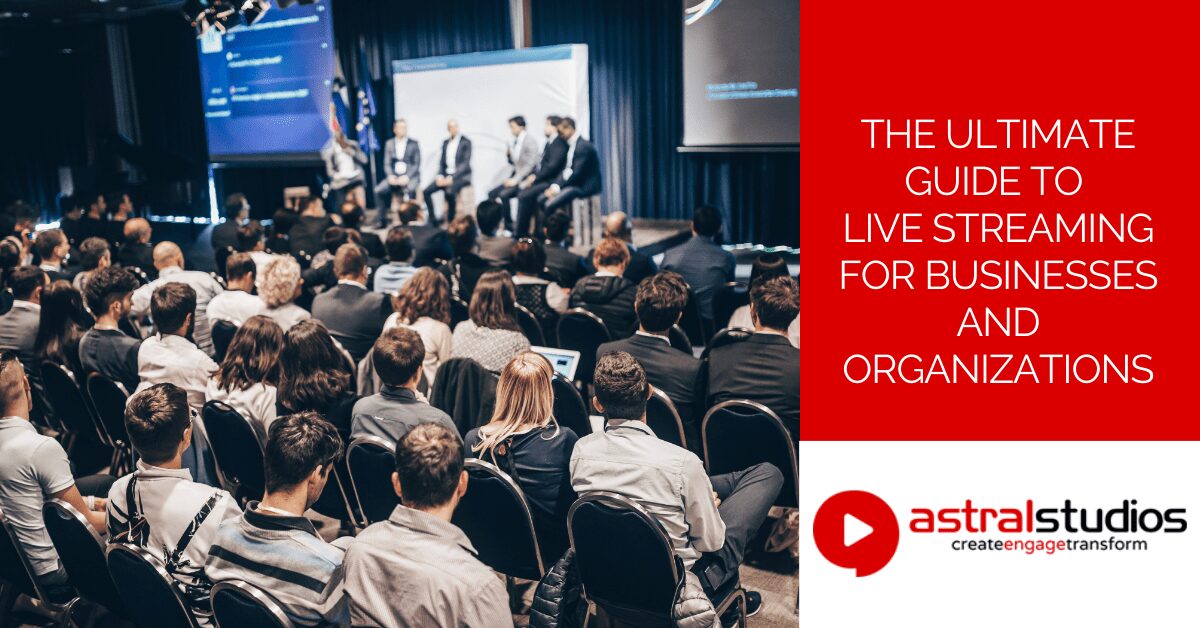
I remember my first big live streaming event like it was yesterday. It was a corporate seminar, and the stakes were high. We had a room full of attendees, but the client wanted to reach a national audience. The pressure was on, and I had to ensure everything went smoothly. The experience taught me the immense power of live streaming and its ability to connect people in real-time, regardless of their location.
In today’s digital age, live event streaming has become an essential tool for businesses, NGOs, and government departments. Whether you’re hosting a product launch, a corporate training session, or a public announcement, streaming allows you to engage with your audience like never before. Let’s dive into the world of live streaming and explore its benefits, the equipment you need, and how to get started.
What is Live Streaming?
Live streaming is the process of broadcasting video and audio content in real-time over the Internet. Unlike traditional broadcasting, which often involves pre-recorded content, live streaming allows viewers to watch events as they happen. This immediacy creates a dynamic and engaging experience for the audience.
Differences Between Live Video Streaming and Traditional Broadcasting
Live video streaming offers several advantages over traditional broadcasting:
- Interactivity: Viewers can engage in real-time through comments, questions, and polls.
- Accessibility: Anyone with an Internet connection can tune in from anywhere in the world.
- Flexibility: Streams can be easily integrated into websites, social media platforms, and apps.
- Cost: Live video streaming typically requires less financial investment than traditional broadcasting methods.
Benefits of Live Streaming for Businesses and Organizations
Real-Time Engagement
Live event streaming enables direct interaction with your audience. Viewers can ask questions, leave comments, and participate in polls, making the experience interactive and engaging. This real-time feedback helps you understand your audience better and tailor your content accordingly.
Wider Audience Reach
With a live stream, geographical barriers vanish. You can reach a global audience without the need for physical presence. This is particularly beneficial for businesses and organizations looking to expand their reach and connect with international clients or supporters.
Cost-Effective Marketing Strategy
Live video streaming is a cost-effective way to promote your brand, products, or services. Traditional marketing methods like TV ads or billboards can be expensive. In contrast, live video streaming platforms often offer affordable options, making it accessible for businesses of all sizes.
Enhanced Customer Experience
Live streaming provides a more personal and immersive experience compared to other forms of communication. By showcasing behind-the-scenes content, hosting live Q&A sessions, or streaming live events, you can build a stronger connection with your audience and enhance their overall experience.
Essential Live Event Streaming Equipment
To produce high-quality live streams, you need the right equipment. Here are the essentials:
Cameras and Microphones
Cameras
Invest in a good quality camera. The choice of camera depends on your budget and the quality you aim to deliver. Options include:
- Webcams: Affordable and easy to use, suitable for simple setups.
- DSLR Cameras: Offer higher image quality, more control over settings.
- Professional Camcorders: Ideal for large-scale events and professional productions.
Microphones
Clear audio is crucial for a successful live stream. Consider the following types of microphones:
- Lavalier Microphones: Clip-on mics ideal for speakers and presenters.
- Shotgun Microphones: Directional mics that capture sound from a specific direction, reducing background noise.
- USB Microphones: Easy to set up and use, good for single-person broadcasts.
Lighting and Audio Mixers
Lighting
Proper lighting enhances the visual quality of your stream. Use softbox lights or ring lights to evenly illuminate your setup and reduce shadows. Natural light can also be used but may require adjustments throughout the day.
Audio Mixers
An audio mixer helps balance and enhance sound quality. It allows you to adjust levels, add effects, and connect multiple audio sources. This ensures that your audience hears everything clearly, without distractions.
Internet Connection and Bandwidth Requirements
A stable and high-speed Internet connection is vital for live event streaming. Here are some tips:
- Check Upload Speed: Ensure it meets the requirements of your streaming platform. Typically, a minimum upload speed of 5 Mbps is recommended for HD streaming.
- Wired Connection: Use a wired Ethernet connection instead of Wi-Fi to reduce the risk of interruptions.
- Bandwidth Management: Ensure other devices on the network do not consume too much bandwidth during the stream.
Software and Platforms for Live Event Streaming
Streaming Software
Streaming software allows you to manage and customize your broadcast. Popular options include:
- OBS Studio: Free and open-source software with extensive features.
- Streamlabs OBS: User-friendly interface with integrated features for donations and alerts.
- vMix: Professional-grade software with advanced features for live production.
Streaming Platforms
Choose a reliable live streaming platform that suits your needs. Popular options include:
- YouTube Live: Accessible and widely used, integrates well with Google services.
- Facebook Live: Ideal for reaching audiences on social media.
- Twitch: Popular for gaming and creative content, with a large and active community.
You can use more than one platform at the same time. This process is called “simulcasting” or “multi-streaming,” and it allows you to broadcast your live stream to multiple platforms. To achieve this, you can use specialized software or services that support multi-streaming, such as:
- Restream: A popular service that allows you to stream to multiple platforms, including Facebook Live and YouTube Live, simultaneously.
- Streamlabs OBS: This software has built-in support for multi-streaming if you subscribe to their Prime service.
- OBS Studio with a plugin: You can use a plugin like “Multiple RTMP Outputs” to stream to multiple platforms simultaneously.
Using these tools, you can reach a broader audience across different platforms, maximizing your live stream’s impact.
How to Choose the Right Live Event Streaming Services
Selecting the right live event streaming services can make or break your event. Here are some factors to consider:
Quality and Reliability
Ensure the service provides high-quality streaming with minimal downtime. Look for reviews and testimonials to gauge reliability. Quality encompasses video resolution, frame rate, and overall stability of the stream.
Features and Customization
Consider the features offered by the service. Do they support multi-camera setups, audience interaction, and analytics? Customization options can help tailor the stream to your specific needs. Features to look for include:
- Multi-Camera Support: Allows switching between different camera angles.
- Interactive Elements: Includes options for live chat, polls, and Q&A.
- Analytics and Reporting: Provides data on viewer engagement and performance metrics.
Cost and Packages
Compare the pricing and packages of different services. Some offer free basic plans, while others provide premium features at a cost. Choose one that fits your budget and requirements. Keep in mind:
- Free Plans: May have limitations on streaming quality and features.
- Premium Plans: Offer enhanced features and better support.
- Pay-Per-View Options: Suitable for monetizing events.
Specific Needs for Live Streaming in South Africa
When live streaming in South Africa, consider local factors like Internet stability and service availability. Some services may offer better support and infrastructure for the region. Additionally:
- Local Support: Choose services with customer support that operates in your time zone.
- Bandwidth Considerations: Be aware of the typicalIinternet speeds available in your area and choose a service that can adapt to these conditions.
Live Streaming Events: Best Practices
Planning and executing a live streamed event requires careful preparation. Here are some best practices:
Planning and Preparation
- Define Your Goals: Understand the purpose of your stream and set clear objectives. Are you aiming to educate, entertain, or promote?
- Test Your Setup: Conduct a test run to check equipment and Internet connection. Identify and fix any issues before the actual event.
- Create a Schedule: Plan the event timeline and stick to it. Include time for setup, the main event, and post-event interactions.
Tips for a Smooth Streaming Experience
- Engage with Your Audience: Respond to comments and questions in real-time. This keeps viewers interested and connected.
- Monitor the Stream: Keep an eye on the stream quality and address any issues promptly. Have someone dedicated to this task if possible.
- Have Backup Plans: Prepare for technical difficulties with backup equipment and contingency plans. This could include extra cameras, microphones, and Internet connections.
Engaging with Your Audience During the Stream
- Use Interactive Features: Incorporate polls, Q&A sessions, and live chat to keep viewers engaged. This makes the experience more interactive and enjoyable.
- Share Behind-the-Scenes Content: Give your audience a glimpse of what happens behind the camera. This adds a personal touch and makes the stream more relatable.
- Encourage Participation: Prompt viewers to share their thoughts and experiences related to the stream. This can be done through comments or social media hashtags.
Conclusion
Live event streaming is a powerful tool that can transform how you connect with your audience. Whether you’re a small business, a corporate entity, an NGO, or a government department, live streaming offers numerous benefits, from real-time engagement to cost-effective marketing. By investing in the right equipment and services, and following best practices, you can create compelling live streams that captivate your audience.
Ready to take your events to the next level? Partner with professional live event streaming companies like Astral Studios to ensure a seamless and impactful live streaming experience. Astral Studios specializes in event live streaming services, offering high-quality, reliable solutions tailored to your needs. Contact Astral Studios today to make your next event a success.
FAQ: Live Streaming for Businesses and Organizations
What is live streaming?
Live streaming is the process of broadcasting video and audio content in real-time over the Internet. Unlike traditional broadcasting, live video streaming allows viewers to watch events as they happen, creating a dynamic and engaging experience.
Why should my business consider live streaming?
Live streaming offers numerous benefits, including real-time engagement, wider audience reach, cost-effective marketing, and enhanced customer experience. It allows you to connect with your audience in an interactive and personal way, regardless of their location.
What equipment do I need for live streaming?
To produce high-quality live streams, you’ll need:
- Cameras: Webcams, DSLR cameras, or professional camcorders
- Microphones: Lavalier, shotgun, or USB microphones
- Lighting: Softbox lights or ring lights for proper illumination
- Audio Mixers: For balancing and enhancing sound quality
- Stable Internet Connection: A minimum upload speed of 5 Mbps is recommended for HD streaming
- Streaming Software: OBS Studio, Streamlabs OBS, or vMix
How do I choose the right live event streaming service?
When selecting a live event streaming service, consider the following factors:
- Quality and Reliability: Look for services with high-quality streaming and minimal downtime
- Features and Customization: Ensure the service supports interactive elements, multi-camera setups, and provides analytics
- Cost and Packages: Compare pricing and choose a plan that fits your budget
- Local Support: For South Africa, consider services with local customer support and infrastructure
What are the best practices for live streaming events?
To ensure a successful live streaming event:
- Define Your Goals: Set clear objectives for your stream
- Test Your Setup: Conduct a test run to check equipment and Internet connection
- Create a Schedule: Plan the event timeline and stick to it
- Engage with Your Audience: Respond to comments and questions in real-time
- Monitor the Stream: Keep an eye on the stream quality and address issues promptly
- Have Backup Plans: Prepare for technical difficulties with backup equipment
How can I engage with my audience during the stream?
To keep your audience engaged during the stream:
- Use Interactive Features: Incorporate polls, Q&A sessions, and live chat
- Share Behind-the-Scenes Content: Show what happens behind the camera
- Encourage Participation: Prompt viewers to share their thoughts and experiences
What is the role of the Internet connection in live video streaming?
A stable and high-speed Internet connection is crucial for live video streaming. Ensure your upload speed meets the requirements of your streaming platform (typically a minimum of 5 Mbps for HD streaming). Using a wired Ethernet connection instead of Wi-Fi can reduce the risk of interruptions.
Why should I choose professional live streaming services?
Professional live event streaming services, like Astral Studios, ensure a seamless and high-quality streaming experience. They provide expertise, equipment, and support to handle all technical aspects, allowing you to focus on delivering engaging content.

