


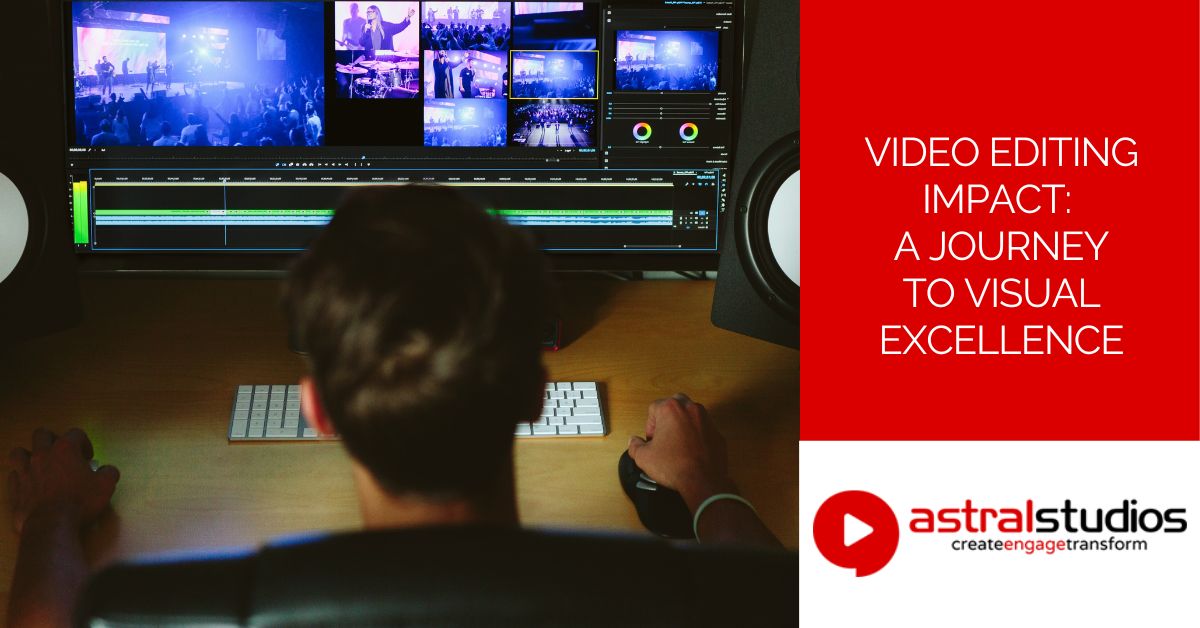
Video Editing Impact: A Journey to Visual Excellence
Last Updated: 6 months ago by Astral Studios Staff
Introduction
Video editing is the art of transforming raw footage into a polished, engaging visual story. In the digital era, mastering this skill is crucial for creating compelling content. Let’s explore the fundamentals of video editing and understand its significance in the realm of digital storytelling.
Definition of Video Editing
Video editing involves the process of selecting, arranging, and manipulating video clips to create a cohesive and meaningful narrative. It goes beyond basic cutting and trimming, encompassing a range of techniques to enhance the overall viewing experience.
Importance in Digital Content
In today’s content-driven world, where attention spans are fleeting, effective video editing is a powerful tool. It captivates audiences, communicates messages succinctly, and elevates the quality of digital content. Whether you’re a vlogger, content creator, or marketer, understanding the basics of video editing is essential for standing out in a crowded online landscape.
Getting Started with Video Editing
Choosing the right software and understanding basic tools are the initial steps to embark on your video editing journey.
Choosing the Right Software
Selecting the appropriate video editing software sets the foundation for your creative process. Popular choices like Adobe Premiere Pro offer a comprehensive suite of features, while simpler tools like iMovie are user-friendly for beginners. Consider your skill level, project requirements, and budget when making this crucial decision.
Understanding Basic Tools
Familiarize yourself with the fundamental tools of video editing, such as cutting, trimming, and arranging clips on a timeline. For instance, the “cut” tool allows you to remove unwanted sections, while the “trim” tool helps refine the duration of your clips. Understanding these basics will empower you to manipulate your footage effectively as you progress in your editing journey.
Organizing Your Footage
To bring your creative vision to life, effective organization of your video assets is paramount. Here’s how you can streamline your workflow.
File Management
Create a logical file structure to avoid chaos. Organize your raw footage, audio files, and graphics into folders. For instance, separate interviews, b-roll, and music files, making it easier to locate and import elements into your editing software.
Importance of a Clear Workspace
Maintain a clutter-free workspace within your editing software. Label tracks clearly and use color-coding to distinguish between different types of elements. A tidy workspace reduces confusion, allowing you to focus on the creative process without distractions.
Basic Editing Techniques
Mastering basic editing techniques forms the foundation for creating a seamless and engaging video.
Cutting and Trimming
Precision is key when cutting and trimming. Use the razor tool to make precise cuts and the selection tool to trim unwanted sections. This ensures a smooth flow between scenes, keeping your audience engaged.
Adding Transitions
Smooth transitions enhance the overall viewing experience. Experiment with fade-ins, fade-outs, and cross-dissolves to seamlessly connect clips. For instance, a subtle fade can soften the transition between two scenes, creating a polished and professional look.
Enhancing Your Video
Elevating your video involves adding elements that go beyond the basics, making your content more engaging and visually appealing.
Adding Music and Sound Effects
Sound is a powerful tool in video editing. Incorporate music and sound effects to evoke emotions and enhance the narrative. For example, in a travel video, using upbeat music can convey a sense of excitement and adventure, creating a more immersive experience for the viewer.
Incorporating Visual Effects
Experiment with visual effects to add flair to your video. This could include transitions, overlays, or even subtle animations. However, exercise caution—too many effects can be distracting. Choose effects that complement your narrative and enhance the overall aesthetic.
The Artistic Touch in Video Editing
Beyond the technical aspects, video editing is an art form that allows you to tell a compelling story and evoke emotions.
Crafting a Narrative
Think of video editing as storytelling. Arrange your clips to create a coherent and engaging narrative. Consider the pacing, order of scenes, and how each element contributes to the overall story. For instance, in a tutorial video, organize steps logically to guide the viewer seamlessly.
Colour Grading and Tone
Utilize colour grading to set the mood of your video. Adjust the colours to convey specific emotions—warm tones for a nostalgic feel or cool tones for a more modern vibe. Consistent colour grading enhances visual coherence, creating a professional and polished look for your content.
Tips for a Smooth Editing Process
Efficiency in the editing process is crucial for a seamless workflow. Here are practical tips to enhance your video editing experience.
Save Regularly
Frequent saving is your safety net. Video editing software can sometimes be unpredictable. Save your project regularly to avoid losing hours of work due to unexpected crashes. Utilize the auto-save feature if your software offers it, ensuring your progress is consistently preserved.
Utilize Keyboard Shortcuts
Mastering keyboard shortcuts boosts your editing speed. Learn essential shortcuts for tasks like cutting, copying, and pasting. For instance, in many editing programs, “Ctrl+C” and “Ctrl+V” are shortcuts for copy and paste. These shortcuts save time and make your editing process more fluid.
Exporting Your Final Product
Exporting your video requires attention to detail to ensure the final product meets your expectations.
Choosing the Right Format
Select the appropriate file format for your intended platform. For online platforms, common formats include MP4 and MOV. Adjust the settings to match the platform’s specifications. Choosing the right format ensures compatibility and maintains the video’s quality during playback.
Quality Settings
Balance file size and video quality when adjusting export settings. Higher quality settings result in larger file sizes. Consider your audience’s internet speeds and the platforms where your video will be shared. Striking the right balance ensures your video is both visually appealing and accessible to your target audience.
Staying Creative and Inspired
Sustaining creativity in video editing is vital for producing engaging content. Here are ways to stay inspired and explore new artistic possibilities.
Exploring New Artistic Techniques
Constantly experiment with new editing techniques. For instance, try incorporating unconventional transitions or experimenting with unique visual effects. Pushing your creative boundaries not only keeps your content fresh but also hones your skills as an editor.
Learning from Others
Watch videos from seasoned editors. Analyze their techniques, observe how they use music, transitions, and effects. Platforms like YouTube provide a wealth of tutorials and showcases. Learning from others’ successes and mistakes can inspire new ideas and approaches to your own editing style.
Conclusion
As we conclude our exploration of video editing, let’s recap key takeaways and offer encouragement for aspiring editors.
Recap of Key Points
- Effective file management is crucial for an organized editing process.
- Master basic editing techniques like cutting, trimming, and adding transitions.
- Enhance your videos with music, sound effects, and visual effects.
- Consider the artistic aspects, such as crafting a narrative and color grading.
Encouragement for Aspiring Editors
Embark on your video editing journey with confidence. Embrace the learning process, stay curious, and remember that each editing session is an opportunity to refine your skills. With dedication and creativity, you’ll evolve into a proficient video editor, crafting compelling stories that captivate your audience.
Ready to turn your vision into a cinematic masterpiece? At Astral Studios, our cutting-edge video editing suites and experienced team of editors are here to bring your project to life. Elevate your content with professional editing. Let’s make your story unforgettable!
Frequently Asked Questions (FAQ)
What is video editing?
Video editing is the process of selecting, arranging, and manipulating video footage to create a cohesive and engaging visual story. It involves various techniques such as cutting, trimming, adding effects, and enhancing audio to produce a polished final product.
What software is recommended for video editing?
Popular video editing software includes Adobe Premiere Pro, Final Cut Pro, and iMovie. The choice depends on your skill level, project requirements, and budget. Beginners often find user-friendly options like iMovie a good starting point, while professionals may prefer the advanced features of Adobe Premiere Pro or Final Cut Pro.
How important is organization in video editing?
Organization is crucial for a smooth editing process. Proper file management, clear workspace organization, and structured editing timelines contribute to efficiency and reduce confusion. A tidy workspace allows editors to focus on creativity rather than searching for files or tools.
What are some basic video editing techniques?
Basic video editing techniques include cutting and trimming footage to remove unwanted sections, adding transitions for smooth scene changes, and adjusting audio levels. These techniques form the foundation for creating a seamless and engaging video.
How can I add an artistic touch to my videos?
Crafting a narrative, exploring color grading, and experimenting with visual effects contribute to the artistic aspect of video editing. Organizing your clips to tell a compelling story and using color grading to evoke emotions add depth and creativity to your videos.
What are some tips for a smooth editing process?
Saving your work regularly and utilizing keyboard shortcuts enhance the efficiency of the editing process. Frequent saving prevents the loss of progress, and mastering keyboard shortcuts speeds up tasks, making the editing experience more seamless.
How do I export my final video?
When exporting your final video, choose the right file format based on your intended platform, such as MP4 or MOV for online sharing. Adjust quality settings to balance file size and video quality, ensuring your video is both visually appealing and accessible to your audience.
How can I stay creative and inspired in video editing?
Staying creative involves exploring new artistic techniques, such as unconventional transitions or unique visual effects. Learning from experienced editors, watching tutorials, and analyzing successful videos on platforms like YouTube can inspire new ideas and approaches to enhance your editing skills.
Is there a community for aspiring video editors?
Yes, there are online communities and forums where aspiring video editors can connect, share experiences, and seek advice. Joining these communities provides valuable insights, feedback, and a supportive network of fellow video enthusiasts.


