


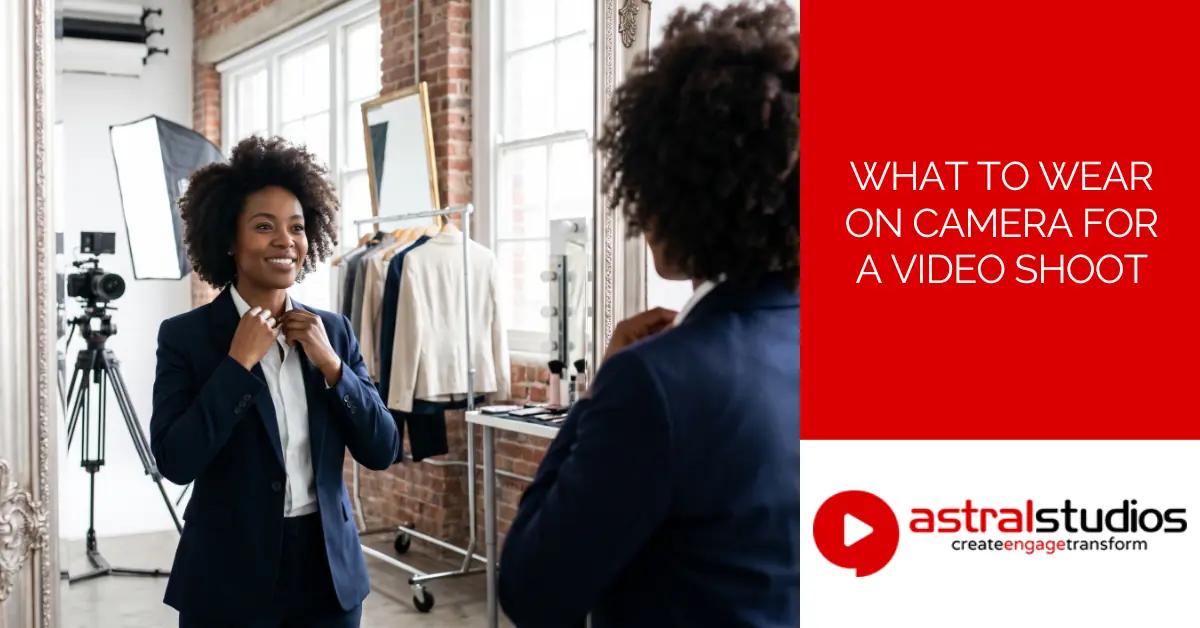
What to Wear on Camera for a Video Shoot
Last Updated: 1 month ago by Astral Studios Staff
What to wear on camera comes down to three things. Colour, fit, and fabric. Get those right, and everything else follows. This guide covers what works, and what to avoid.
A finance executive once showed up for a shoot in a fine pinstripe suit. On camera, those stripes shimmered and pulsed distractingly. Nobody warned him about small patterns before the shoot began. That small mistake meant a wardrobe change, and a delay. The whole crew waited. A bit of planning avoids that entirely. This guide exists so it doesn’t happen to you.
Why What You Wear Matters for a Video Shoot
Wardrobe isn’t vanity, not when a camera is rolling. What you wear becomes part of the message itself. It shapes how professional, approachable, or credible you appear. Think of your outfit as a supporting actor. It shouldn’t steal the scene, but it shouldn’t undercut it either. This isn’t a general style guide about fashion trends. It’s specifically about how clothing behaves under studio lights. Bright lights, close framing, and screen compression all change things. What looks fine in person can look very different on camera.
What Colours Work Best on Camera?
Mid-tones and muted shades are usually the safest choice. Bright white can dominate the frame under strong lights. It bounces light back and can wash out your face. Deep black can lose detail and flatten your outline. On a dim background, it can make you disappear into the shadows. Navy blue performs reliably across most lighting setups. It’s a safe, professional default for almost any shoot. Soft earth tones and muted blues also work well. Think warm browns, soft greens, and dusty blues.
Colours That Work Across Skin Tones
Contrast matters more than any single trendy colour. Choose a shade that sits apart from your own skin tone. Too close a match can wash out your features. Overdo the contrast, and colour can overpower your face instead. There’s a balance worth finding. A simple phone test beforehand shows you what works. Film a quick clip in your actual outfit first. Watch how it reads against your skin, not just in the mirror.
Patterns, Prints, and Textures to Avoid
Fine stripes and small checks can shimmer strangely on screen. This is called a moiré pattern, and it’s genuinely distracting. It happens when a pattern is finer than the camera can resolve. The lines seem to ripple and move on their own. Shiny or reflective fabric catches studio lights badly too. Satin, sequins, and high-shine polyester are common culprits. A small pattern still works on a tie or scarf. Keep your main garment solid, and add pattern sparingly. That’s really all there is to it.
Fit Matters More Than Fashion
A well-fitting outfit beats a trendy one every time. Most corporate video happens while people are seated, not standing. Check how your outfit sits and pulls when you sit down. A jacket that looks sharp standing can bunch up badly seated. Wrinkles show up clearly under bright studio lighting. So does a shirt collar that’s slightly too tight. Change into your outfit at the venue, not before. Travelling in your outfit invites creases, spills, and stress. My honest opinion? Fit matters more than any colour choice. A cheap shirt that fits well always beats an expensive one that doesn’t.
Matching Your Outfit to the Background
Green Screen Rules
Never wear green, or anything close to that shade. You’ll partially vanish into the background during editing. Editors call this process chroma key. This includes accessories too, not just your main outfit. A green watch strap or green glasses frame can cause the same issue. When unsure, ask the production team beforehand.
Light Studio Backdrops
Avoid white or pale tones against a light backdrop. You’ll blend into the background instead of standing out. The same logic applies in reverse for dark backdrops. Wearing black against a black background does the same thing.
A Quick Prep Tip
Test your outfit on your phone camera beforehand. Colours and patterns often read differently on screen. It’s a small step that saves a wardrobe scramble later. Two minutes now can save an hour on shoot day.
Grooming and Small Details That Affect How You Look on Camera
Wardrobe isn’t the only thing worth planning for. If you’ll wear a lapel mic, leave room for it. A collar or lapel makes clipping it on easier. Crew neck jumpers with nowhere to clip a mic cause real headaches. Anti-reflective lenses help if you wear glasses regularly. Standard lenses can catch studio lights and create a distracting glare. A light mattifying powder cuts down shine under lights. This matters even more given South Africa’s strong natural light. Outdoor and window-lit shoots can bring out shine fast. Keep jewellery simple, since it can catch light or clink. A stack of bangles looks great in person, and terrible near a lapel mic.
Dressing for Different Types of Video Shoots
Founder and Executive Interviews
These usually call for a more formal, polished look. The camera sits close, and every detail gets noticed. A well-fitted blazer or structured jacket works well here. Save the trendy pieces for another day.
Staff Testimonials and Internal Communication
Business casual usually fits this tone much better. Staff aren’t actors, and over-dressing can look staged. Comfortable, tidy, everyday clothing usually feels more genuine. Authenticity matters more than polish in this context.
Recruitment and Culture Videos
Approachable beats formal here, most of the time. Candidates want to picture themselves working there. A branded polo or smart-casual outfit often works well. Save the full suit for finance or legal roles.
Government and NGO-Facing Content vs Marketing Content
These two don’t call for the same register at all. Government and NGO work often leans more conservative and neutral. Think classic tailoring, muted colours, minimal accessories. Marketing content allows a bit more personality and colour. A creative agency’s brand video can afford more flair.
Panel Discussions and Multi-Person Videos
Keep formality consistent across everyone appearing on screen. One overdressed guest can make the whole panel look mismatched. Agree on a rough dress code with everyone beforehand. A quick group chat saves an awkward surprise on set.
What to Wear for a Self-Recorded or Remote Video Shoot
More executives now film themselves for internal updates. LinkedIn videos and recorded Teams messages fall here too. This trend has grown steadily through 2026. The same rules apply, colour, fit, and background awareness. Without a crew around, it pays to be extra careful. Nobody’s there to catch a wardrobe issue before you hit record. Check your framing and lighting too, not just your outfit. A great shirt means little against a messy background.
How Wardrobe Supports Visual Storytelling and Brand Identity
Here’s the part most wardrobe guides skip entirely. Wardrobe is one visual layer among several working together. Lighting, background, and colour grading all build a story too. A mismatched outfit pulls focus, just like a cluttered background. It’s a small detail with an outsized effect.
A creative agency once briefed a client on wardrobe colours. The client’s brand ran on warm oranges and deep browns. Their spokesperson showed up in cool grey and pale blue. Nothing was technically wrong, the colours worked fine on camera. It just didn’t feel like the same brand at all. Something felt off, even though nobody could quite say why. A small wardrobe tweak fixed that mismatch completely.
Colours that echo your brand palette, without matching exactly, help. Formality level should match your brand’s overall tone too. A playful startup and a conservative law firm need different looks. Consistency across a series of videos matters as well. That consistency makes your on-screen identity feel deliberate, not accidental. Viewers notice that kind of care, even without realising why.
Practical Preparation for Your Video Shoot
Bring two or three outfit options, not just one. Iron or steam everything the night before your shoot. Keep a backup outfit close by, just in case. Ask the production team about the backdrop and lighting plan. That context makes your colour choice much easier.
| Category | Wear This | Avoid This |
|---|---|---|
| Colour | Navy, muted earth tones, soft blues | Bright white, pure black, neon shades |
| Pattern | Solid colours, small pattern in an accessory | Fine stripes, small checks, busy prints |
| Fabric | Matte, breathable fabric | Shiny, reflective, or heavily textured fabric |
| Fit | Well-fitted, comfortable while seated | Tight, restrictive, or overly loose clothing |
| Accessories | Simple, minimal jewellery | Noisy jewellery or anything catching light |
For general South African workplace dress advice, see this corporate dress code guide. If you’re planning the shoot itself, our video production cost guide covers budgeting too.
FAQ
What colours should I avoid on camera?
Avoid bright white, pure black, and any neon shade. These either wash out or dominate the frame.
Can I wear patterns in a corporate video?
Small patterns work fine on a tie or scarf. Keep your main garment solid to avoid moiré.
What should I avoid wearing for a green screen shoot?
Avoid green clothing, or any shade close to it. You’ll partially disappear into the background during editing.
How should my outfit change for an internal video versus a marketing video?
Internal videos usually suit business casual attire well. Marketing videos allow a bit more personality and colour.
What should I wear for a self-recorded or remote video?
The same rules apply, just without a crew to help. Stick to solid colours and check your background carefully.
How many outfit options should I bring to a shoot?
Two or three options usually cover most situations well. It gives you room to adjust if something looks off.
Ready for Your Video Shoot?
Contact us for wardrobe advice ahead of your next shoot. The Astral Studios team in Johannesburg is happy to help.
Glossary
- Moiré – a shimmering or rippling visual effect caused by fine patterns like stripes or checks on camera.
- On-camera – describes anything visible or happening in front of a recording camera.
- Colour grading – the process of adjusting colour and tone in a video during editing.
- Screen presence – how confident, engaging, or credible a person appears on camera.
- B-roll – supplementary footage used alongside the main shot to support a story visually.
- Green screen – a solid coloured backdrop used to digitally replace the background in editing.
- Chroma key – the editing technique that replaces a solid-coloured background, most often green, with new footage or graphics.


